How it works
Free advertising for Blender add-on creators, powered by affiliate commissions.
1 Sign up and add your products
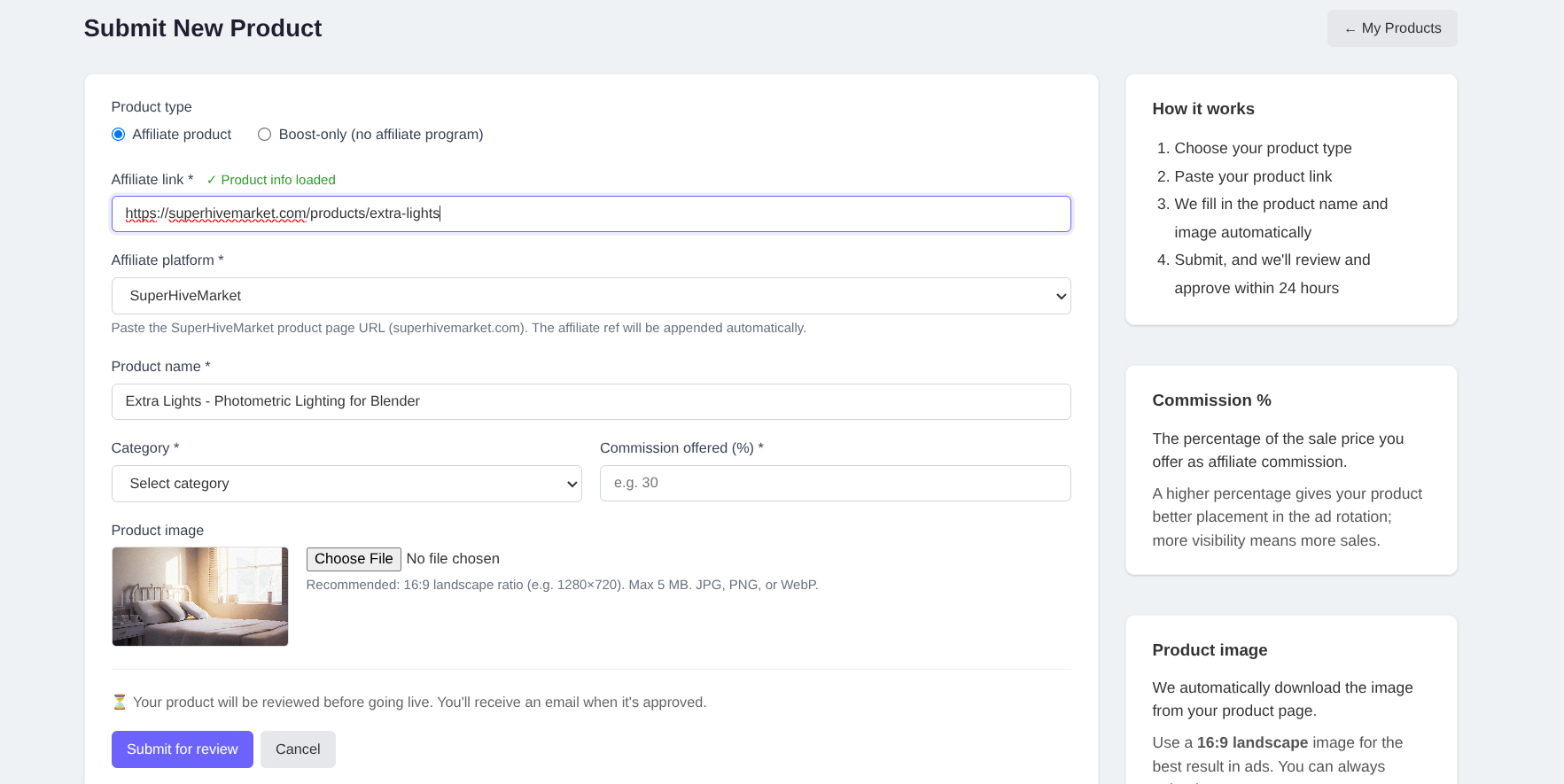
Create a free creator account and submit your Blender add-ons or assets. We support products sold on Gumroad, Superhive Market, and ArtStation. There is no cost to join and no subscription fee.
For each product you submit, you set an affiliate percentage: the commission AdNet earns when a sale is referred by one of our ads. This is the only thing we ask in return for advertising your products. The higher the percentage you offer, the more impressions your product receives.
You can update your product details and images at any time from your creator dashboard. Changes to content (name, link, image, or commission) are reviewed before going live again.
2 Make AdNet an affiliate on your platform
To track sales, you need to add AdNet as an affiliate on the platform where you sell your products. This is a one-time setup that takes a few minutes. Use [email protected] as the affiliate email address.
ArtStation
ArtStation supports affiliate programs via their marketplace. Add Blender AdNet as an affiliate in your seller settings, then use the affiliate link when creating your product listing here.
ArtStation affiliate guide →Gumroad
Gumroad has a built-in affiliate system. Go to your product settings, open the Affiliates tab, and invite Blender AdNet as an affiliate. Then use the generated affiliate link when creating your product listing here.
Gumroad affiliate guide →SuperHiveMarket
Superhive Market supports affiliates via their built-in affiliate program. Add Blender AdNet as an affiliate in your seller dashboard, then use the affiliate link when creating your product listing here.
SuperHiveMarket affiliate guide →Teachable
Teachable supports affiliates via their built-in partner program. Invite Blender AdNet from your school's Affiliates settings (use [email protected]), then use the generated affiliate link when creating your product listing here.
Teachable affiliate guide →3 Your products get shown as ads
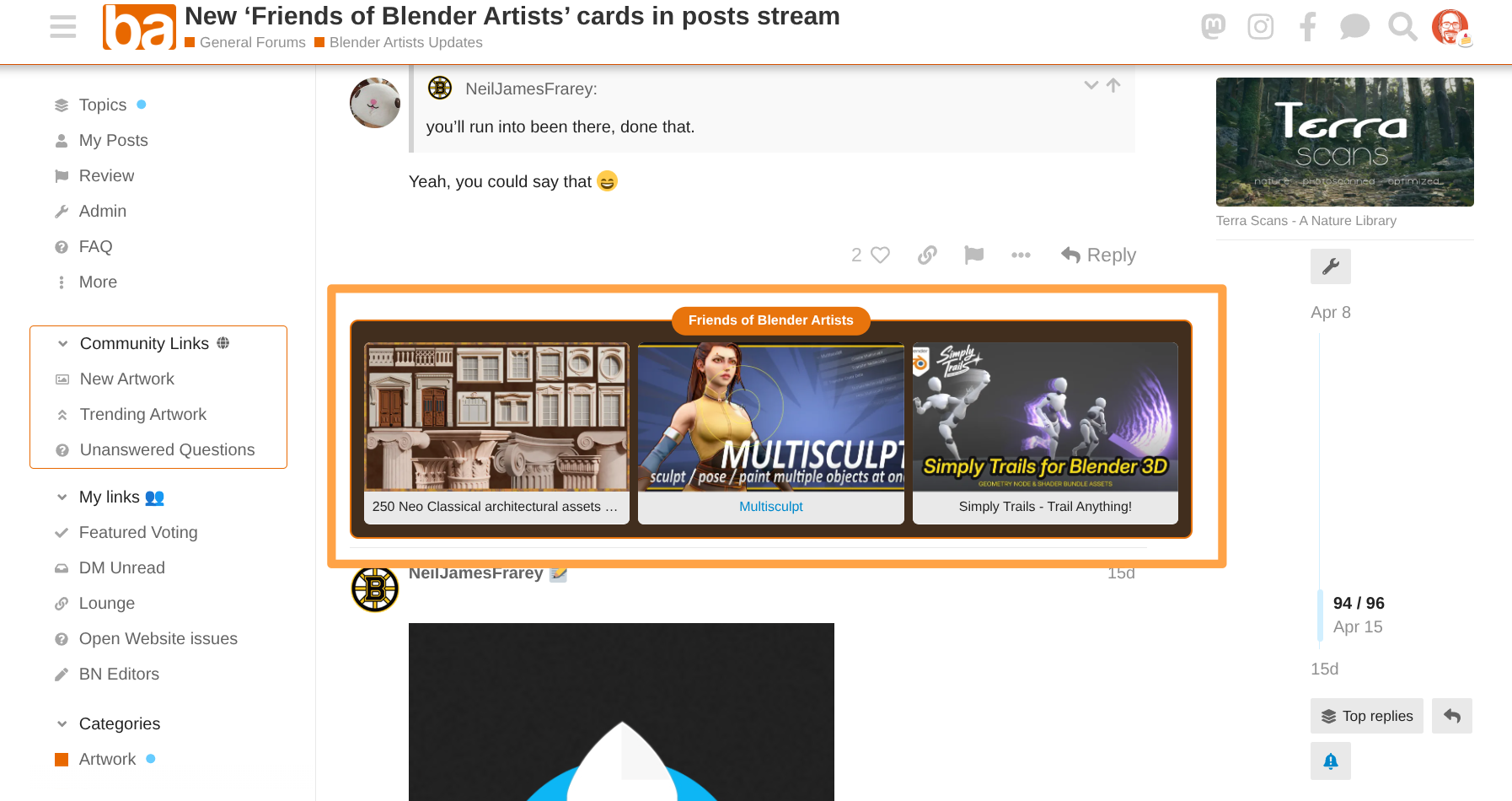
Once approved, your products are displayed as banner ads on BlenderNation.com and BlenderArtists.org: two of the largest Blender community sites on the web, reaching hundreds of thousands of users every month.
Visitors who click your ad are taken to your product page via your affiliate link. If they buy, AdNet receives the commission you set, and that is it. You keep full control of your products and pricing. AdNet never handles payments or customer data.
4 Higher affiliate % = more impressions
Our ad selection algorithm scores products based on several factors. Affiliate percentage is one of the main signals: a higher commission means your product is shown more often, reaching a larger audience.
| Affiliate % | Effect on impressions |
|---|---|
| Low | Shown infrequently |
| 15–20% | Good: competitive visibility |
| 25–30% | High: shown frequently across the network |
| 30%+ | Priority: maximum organic exposure |
The algorithm also factors in click-through rate and recency, so a well-performing product with a lower percentage can still compete with a higher-percentage product that rarely gets clicked.
5 Upload multiple formats and run A/B tests
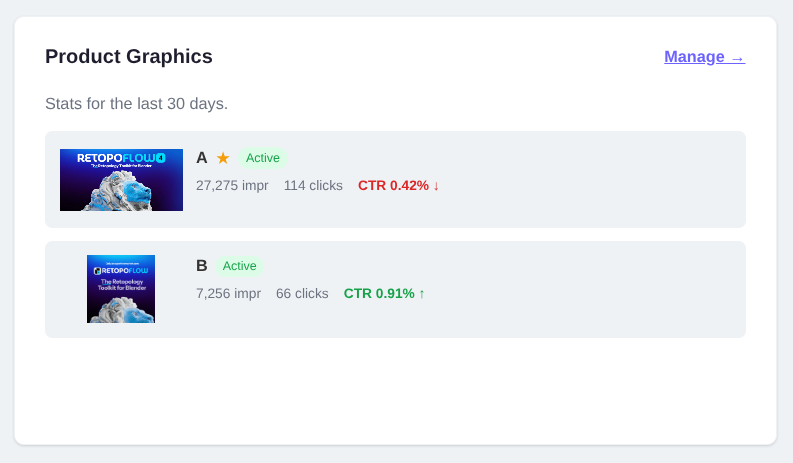
For each product you can upload multiple banner graphics in different formats and sizes, so your ad looks great in every ad slot across the network. AdNet automatically serves the right format for each placement.
You can also upload multiple creative variants for the same format. AdNet will rotate them and track clicks and impressions per variant, so you can see which visual style, headline, or image performs best with real traffic. Pause or remove underperforming variants at any time.
Graphics are reviewed once before going live. After approval, swapping or adding variants does not require a new review.
6 Boost your reach with paid campaigns
Want guaranteed impressions on top of your organic traffic? You can purchase a boost campaign to reserve a fixed number of impressions for one of your products. Boost campaigns are delivered in a dedicated ad slot and run until your impression budget is used up.
Campaigns are priced per impression (CPM, cost per thousand). You pay once upfront via invoice, or directly from your wallet balance. Boost impressions are tracked separately from organic impressions in your dashboard.
Volume pricing
Larger campaigns get a lower rate per thousand impressions, applied automatically.
| Impressions | Rate (CPM) |
|---|---|
| First 25,000 impressions | $1.00 |
| 25,001 – 50,000 | $0.90 |
| 50,001 – 150,000 | $0.66 |
| 150,001 – 400,000 | $0.50 |
| Above 400,000 | $0.40 |
Boost campaigns are available once your account and at least one product are approved.
7 Track your performance
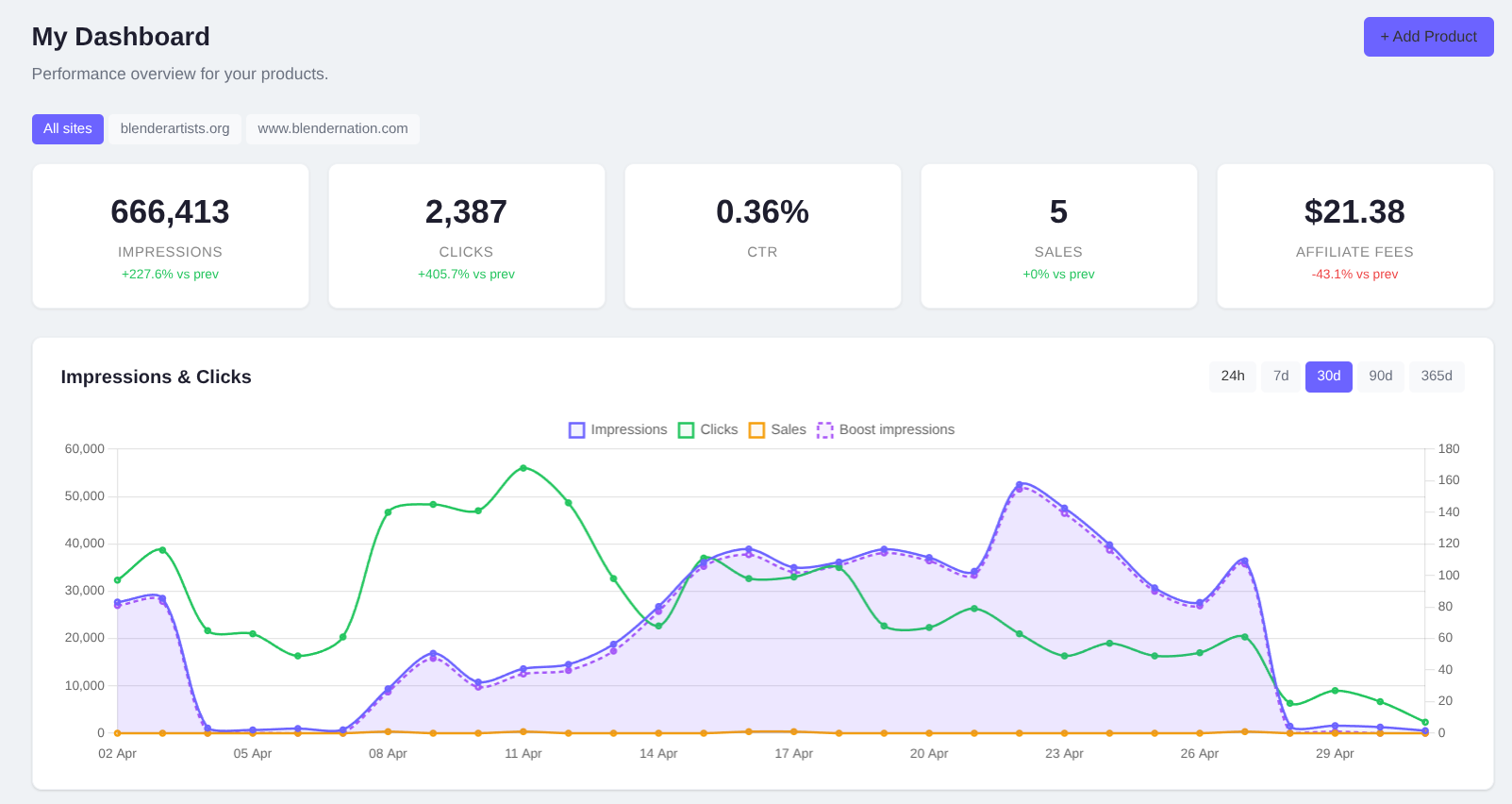
Your creator dashboard shows live stats for all your products: impressions, clicks, click-through rate, and referred sales. You can filter by product or date range to see what is working.
Every week you receive a performance summary email with your key numbers, a tip to improve your results, and a breakdown per product and active campaign.
Where your ads appear
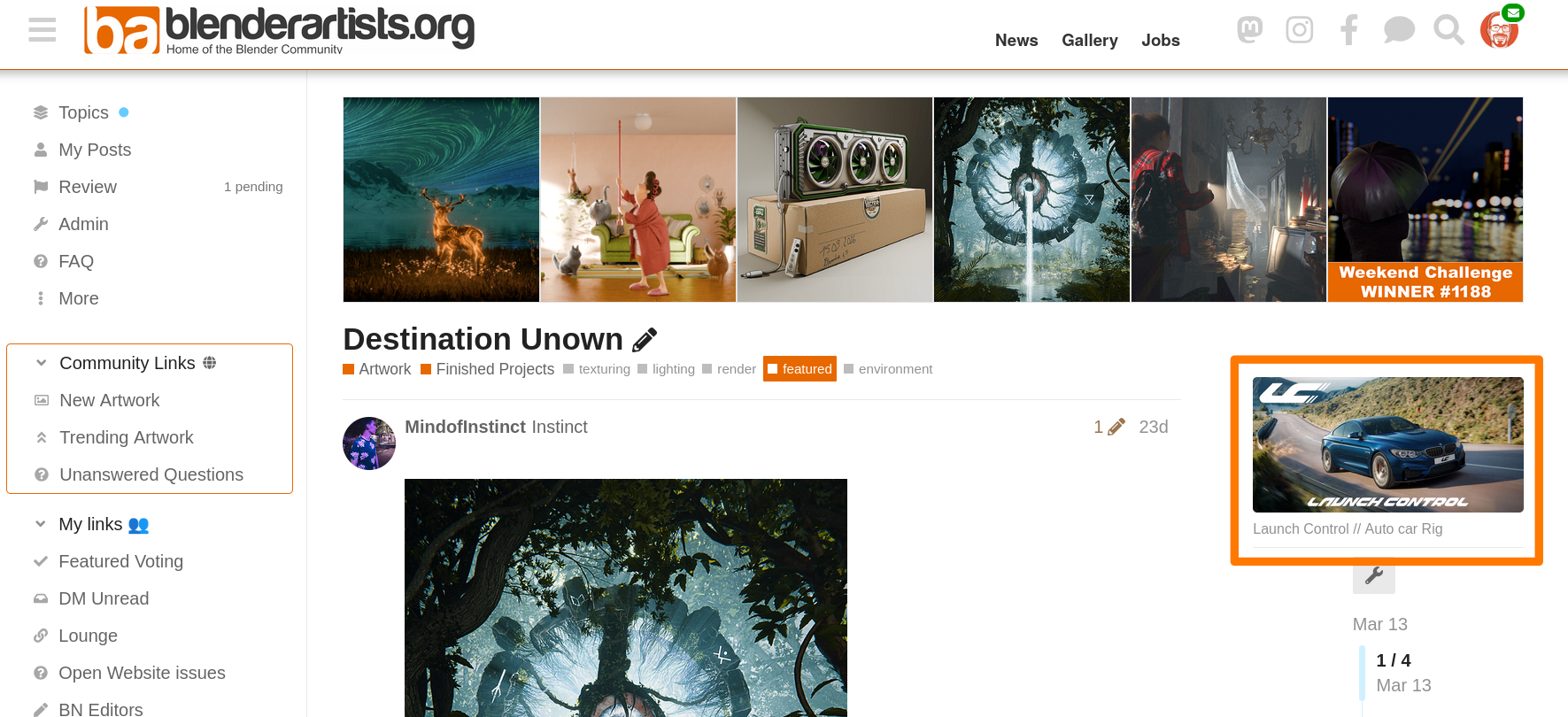
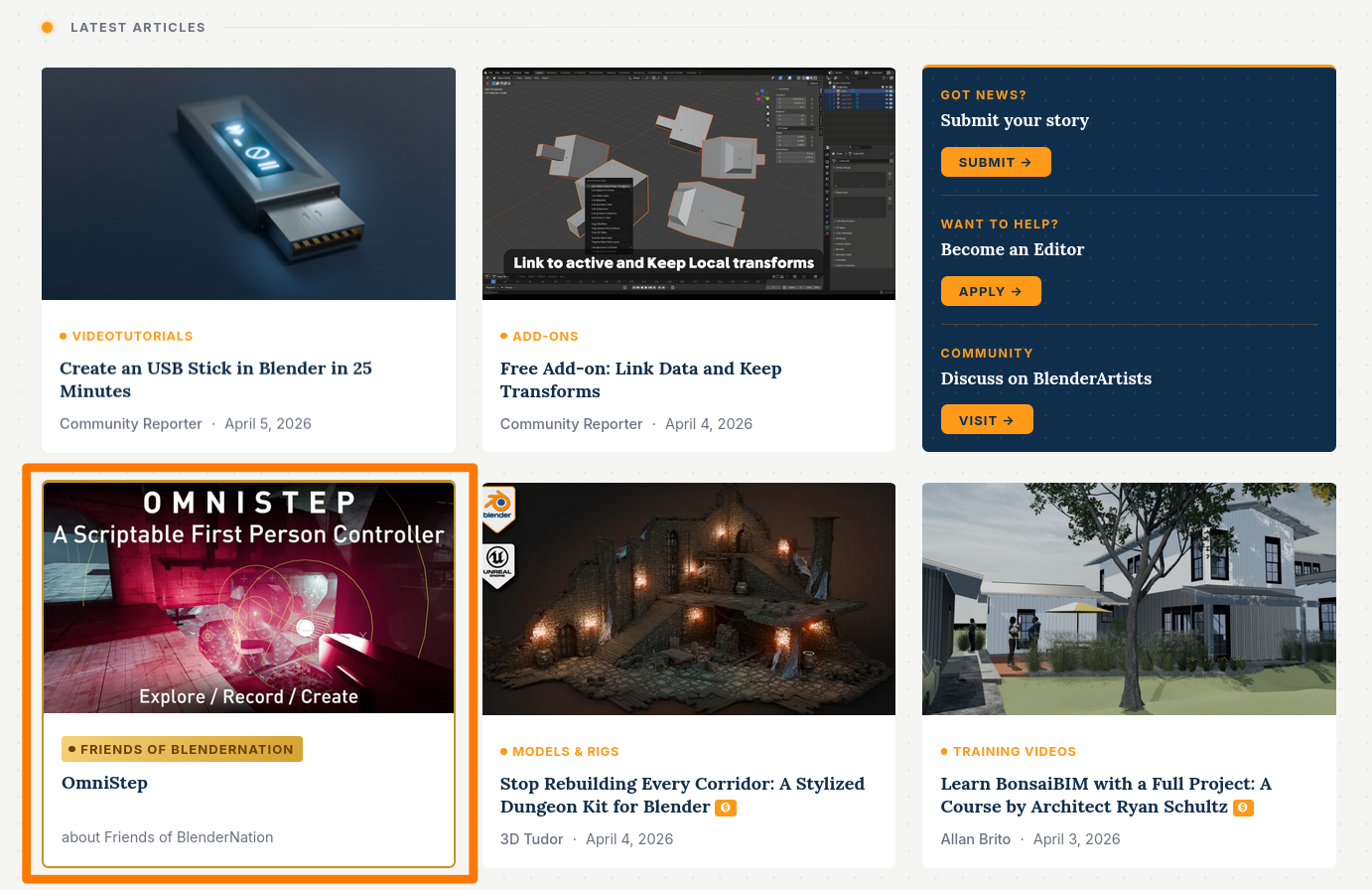
AdNet currently serves ads on the following sites. Click any screenshot to enlarge.
BlenderArtists
blenderartists.org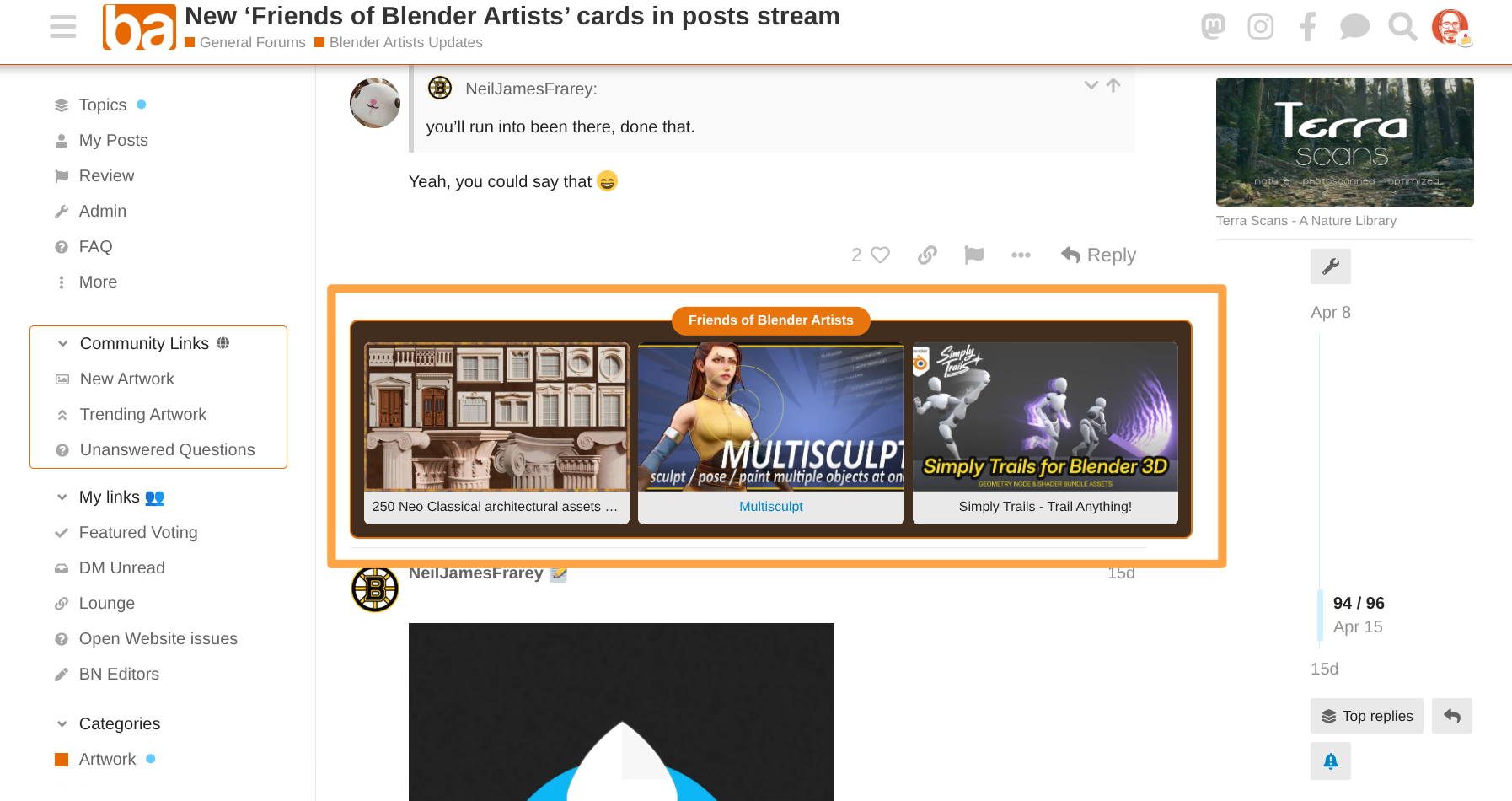
BlenderNation
www.blendernation.com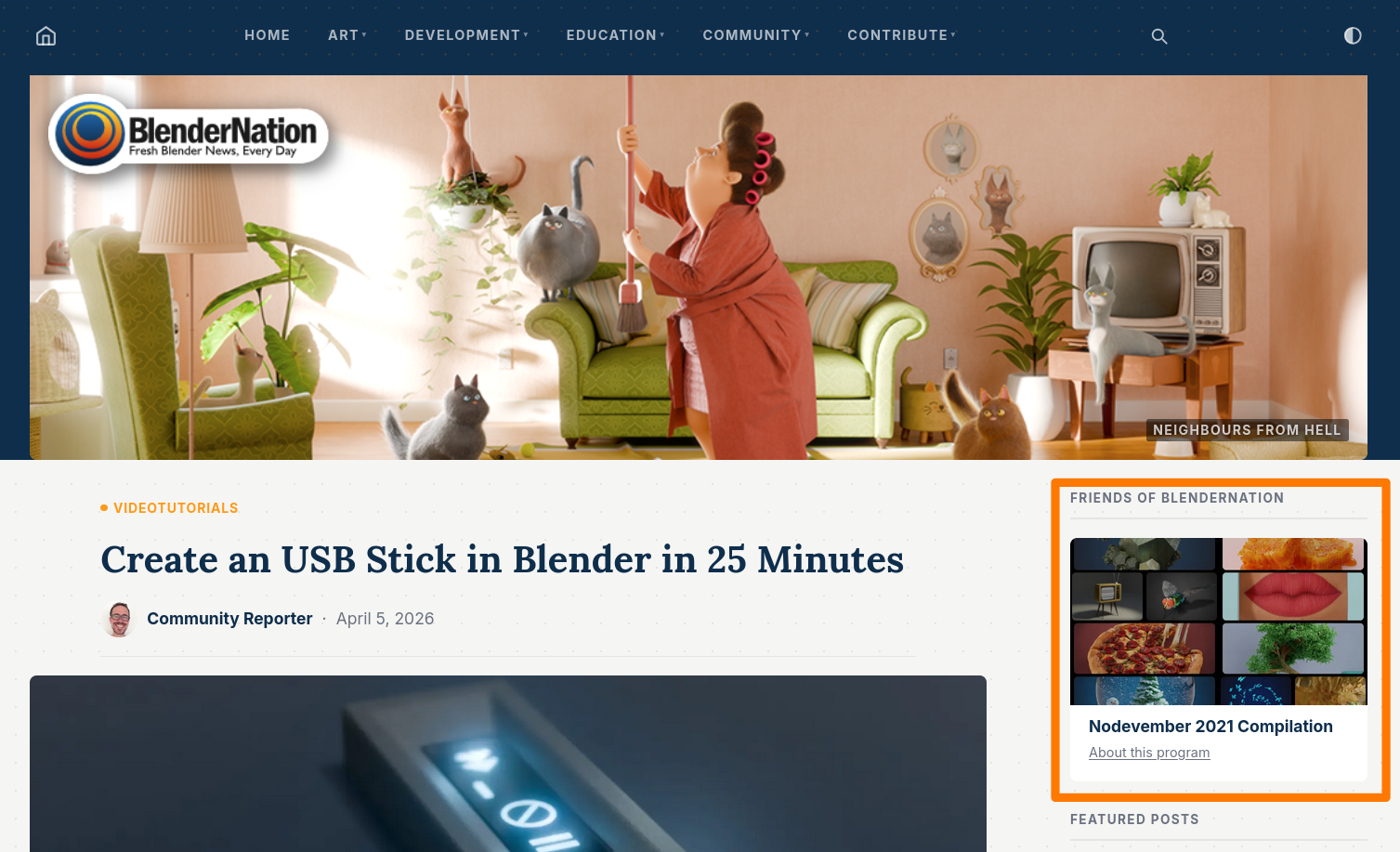
Frequently asked questions
Is there a cost?
No. AdNet is free for creators. We earn only when we refer a sale. Boost campaigns are optional and paid.
Do I need to change my product price?
No. The affiliate commission is paid out of your existing margin by the platform (Gumroad/Superhive/ArtStation), not added on top of the price for customers.
How long does approval take?
Creator accounts and products are reviewed manually. Most applications are processed within 1–2 business days.
Which sites will my ads appear on?
Currently BlenderNation.com and BlenderArtists.org: two of the largest Blender community sites on the web.
What if I sell on both Gumroad and Superhive?
You can submit separate product listings for each platform. AdNet tracks affiliate sales for each independently.
Do content changes to my product go live immediately?
No. Changes to a product's name, affiliate link, commission percentage, or image are reviewed before going live again. Minor updates typically clear within one business day.
What is the wallet?
Your wallet holds a balance you can top up and use to pay for boost campaigns directly, without needing a separate invoice each time.